How to Ask Wedding Guests to Share Photos (+ Templates)
The three moments to ask, the etiquette that makes guests say yes, and 12 copy-paste templates for invites, signs, WhatsApp, email and the morning after.

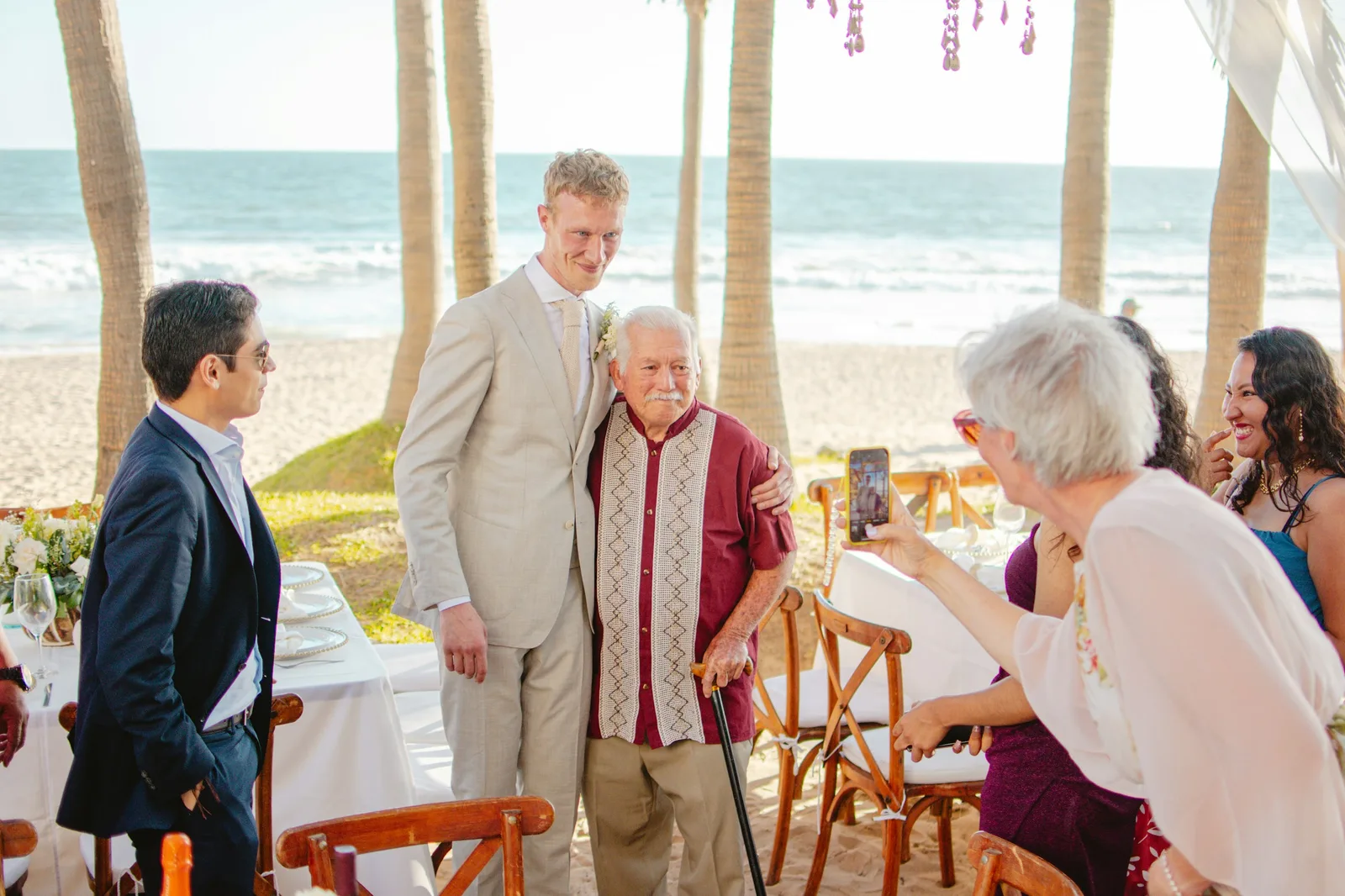
Most couples who set up wedding photo sharing and end up with an empty album made the same mistake: they printed a sign and assumed that was the ask. It is not. Guests share photos when someone they like asks them clearly, at the right moment, and makes it take ten seconds. This guide covers the three moments to ask, the etiquette that gets a yes from your grandmother and your colleague alike, and twelve templates you can paste into an invitation insert, a wedding website, a WhatsApp group, an email, a sign or a thank-you card.
The templates assume the guest opens a link or scans a code and uploads from their phone's browser with no app and no account. That is how EventPixel and most current apps work; if yours needs an install, say so in the message, because it changes the ask. The mechanics of the setup itself are in our guide to collecting wedding photos from guests.
The three moments to ask
1. Before the wedding: plant the idea
One line on the wedding website and one on the invitation or the details card. Nobody uploads anything yet; the point is that when they see the sign on the day, it is the second time they have heard about it, not the first.
2. On the day: make it effortless
Signs on every table, the code on the welcome board, and one spoken mention. The spoken mention matters more than any sign: a sentence from whoever is hosting the toasts, or from the couple at the microphone, reaches the guests who walked straight past the cards. Keep it to one sentence and say the two words that remove hesitation: no app.
3. The morning after: the ask that fills the album
Most guests are on the sofa the next day scrolling through their camera roll. A message that lands then, with the link and a thank-you, is the ask that matters most, because it reaches guests when the photos are on their camera roll and they have time. Send it within 24 hours while the photos are still on their minds, and send it again once, a few days before the upload window closes, to the people who have not uploaded yet.
The etiquette that gets a yes
- Ask, don't instruct. "We'd love to see what you saw" reads as an invitation; "Please upload your photos to the link below" reads as homework.
- Say what they get. Guests are more generous when the album is shared back: "and you'll be able to see and download everyone else's too." If your app lets guests find their own photos with a selfie, say that; it is the most persuasive line there is for anyone who hates scrolling.
- Make the first step ten seconds. One link or one code, opens in the browser, no sign-up. If your setup needs more than that, fix the setup before you polish the wording.
- Name the privacy answer before they ask it. Older guests and colleagues want to know who sees the photos. One clause solves it: "It's private to our guests" (and make it true: password-protect the gallery if your app allows it, and decide whether guests can download).
- Give a date. "The album is open until the 15th" produces uploads; an open-ended ask produces good intentions. Most apps have an upload window anyway, so use it.
- Never guilt. No "we noticed you haven't uploaded". One warm reminder to the group, then let it go.
- Thank people by name where you can. A reply in the group, "Priya, the one of Dad dancing is going on the wall", reminds everyone who reads it that the album exists, without a single word of reminder.
- Tell the photographer. Not to ask permission, but so they know guest photos exist and the album is not competing with their delivery. Most photographers are glad of it: their couples get the candids they could not be in two places for.
12 templates you can paste
Replace the bracketed parts. Every template works with a link or a QR code; where it says "scan", a printed sign is assumed.
1. Invitation insert or details card
We'll have a shared photo album on the day. Scan the code at your table to add the moments you capture — no app, no sign-up — and see everyone else's afterwards.
2. Wedding website line
Photos: our photographer will be busy with the two of us, so we're counting on you for everything else. There'll be a QR code on every table; scan it to upload your photos straight from your phone. The album stays open until [date].
3. WhatsApp or group message, the week before
One small ask before Saturday: we've set up a shared album for everyone's photos. You'll see a code on the tables. Scan it, pick the photos you took, done, no app needed. We'd love to see the day through your eyes ❤️
4. Spoken line for the couple, the host or the toastmaster
"One quick thing: there's a QR code on every table. If you take a photo tonight that you love, scan it and share it with us. It takes ten seconds and there's nothing to download. We want the photos we're not in."
5. Table sign, three lines
Share the love
Scan to upload the photos you take today. No app, no login.
[Your names]
More wording options and where to put them are in wedding QR code sign ideas; the free sign generator prints them.
6. The morning after (the important one)
Thank you for last night — we're still smiling. If you took any photos, we'd love them: [link]. Opens in your browser, no app, and you can see and download everyone else's too. The album's open until [date]. ❤️ [Names]
7. Email to older relatives or anyone not on the group
Dear [Name],
Thank you for being with us on Saturday; it meant the world. We're collecting everyone's photos in one album so nothing is lost. If you took any, just open this link on your phone or computer and choose the photos: [link]. There's nothing to install and no account to make. If it gives you any trouble, reply to this email and I'll walk you through it.
With love, [Names]
8. Instagram or Facebook story caption
Were you there? Add your photos to our album 👉 link in bio. No app, opens in your browser, and you can grab everyone else's.
9. Gentle reminder, a few days before the window closes
Last call for photos! The album closes on [date]. If you've got a few on your phone from the wedding, this is the link: [link]. Thank you to everyone who's already added theirs — there are [number] in there and we've cried at most of them.
10. Thank-you card line
Our photo album is still open at [short link]. If you have pictures from the day we'd love to add them — and please help yourself to any of ours.
11. For Indian weddings, one message for every function (English + Hinglish)
Haldi, mehendi, sangeet, shaadi — one album for everything. Scan the code at any function or use this link: [link]. Koi app nahi, bas link kholo aur photos choose karo. Aapki photos ke bina album adhoora hai ❤️
12. Note to your photographer and vendors
Hi [Name] — just so you know, we're running a guest photo album on the day (QR codes on the tables). It's for the candids guests take on their phones; your delivery is the real record and we'll say so. If any guest asks you about it, the answer is "scan the code, no app needed". Thank you!
Three things to set up before you send any of these
- Check the dates. Know exactly when the upload window closes and when guests stop being able to view the gallery, and put both dates in the messages. On EventPixel's free plan the window closes 30 days after the event date and the gallery stays open to guests for 14 days; paid plans extend both (details).
- Decide the privacy answer. Who can see the gallery, whether it has a password, whether guests can download. On EventPixel the event password is a paid-plan setting; downloads can be switched off on any plan. Decide once, then every template can say "private to our guests" truthfully (who can see my gallery, guest downloads).
- Test the ask on one person. Send template 3 to a parent. If they cannot get a photo uploaded in under a minute without calling you, the wording is not the problem; simplify the setup. Confirm guests genuinely need no app or account with your app before you promise it.
What to do with the photos once they arrive
Reply in the group with two or three favourites in the first day; it is the reminder that does not feel like one. Put the album on a screen at the next family gathering. Download everything once the window closes and keep your own copy (how to download every guest photo). And if the album runs into the thousands — the largest single gallery on EventPixel holds 3,029 guest photos — tell guests they can find their own with a selfie so they do not have to scroll; on EventPixel that is PixelFind, included for every guest on the Premier and Grand plans.
FAQ
How do you politely ask wedding guests to share their photos?
Ask rather than instruct, say what they get in return, and make the first step take ten seconds. A line like "We'd love to see the day through your eyes — scan the code at your table to add your photos, no app needed, and you can see everyone else's too" covers all three. Then send the same link in a message the morning after, when guests are looking at their camera roll.
When is the best time to ask guests for wedding photos?
Three times: once before the wedding on the website or invitation so the idea is familiar, once on the day with signs and a single spoken mention, and once the morning after with a thank-you message and the link. The morning-after message matters most, because guests are looking through their camera roll and have time to choose.
What should the wedding website say about photo sharing?
Two or three sentences: that there will be a shared album, that guests scan a code on the tables to upload from their phone without an app, and the date the album stays open until. Add the link itself if your app has one that works before the wedding.
Should you ask guests to share photos on WhatsApp instead?
Use WhatsApp to send the link, not to collect the photos. Photos sent in a WhatsApp group are compressed unless each guest sends them as documents or in HD, they arrive in no order, and there is no album to download from later. A dedicated upload link keeps originals and gives everyone one place to look.
How do I remind guests without nagging?
One warm reminder to the group a few days before the upload window closes, with the number of photos already in the album and a thank-you to the people who added theirs. Never message individuals about not uploading, and never send more than one reminder.
Do guests need an app or an account to share wedding photos?
With EventPixel and most current photo-sharing apps, no: guests scan a QR code or open a link, the upload page opens in their phone's browser, and they choose photos without creating an account. On EventPixel the only step that asks for a sign-in is the optional PixelFind selfie search. Check your own app before promising it, because the no-app line is the part of the message that removes hesitation.
The short version
Plant the idea before, make it effortless on the day, and ask again the morning after. Say "no app", say what they get, give a date, and thank people by name. If you want the setup that makes every template above true — no app, no login, originals kept, and a selfie search for the big albums — create a free EventPixel event and paste its link into template 6.
Related reads:







