Google Photos Shared Album for a Wedding: What Breaks (2026)
Where a Google Photos shared album breaks at wedding scale — sign-in, storage, quality, control — from Google's own help pages, verified 6 Sept 2026.

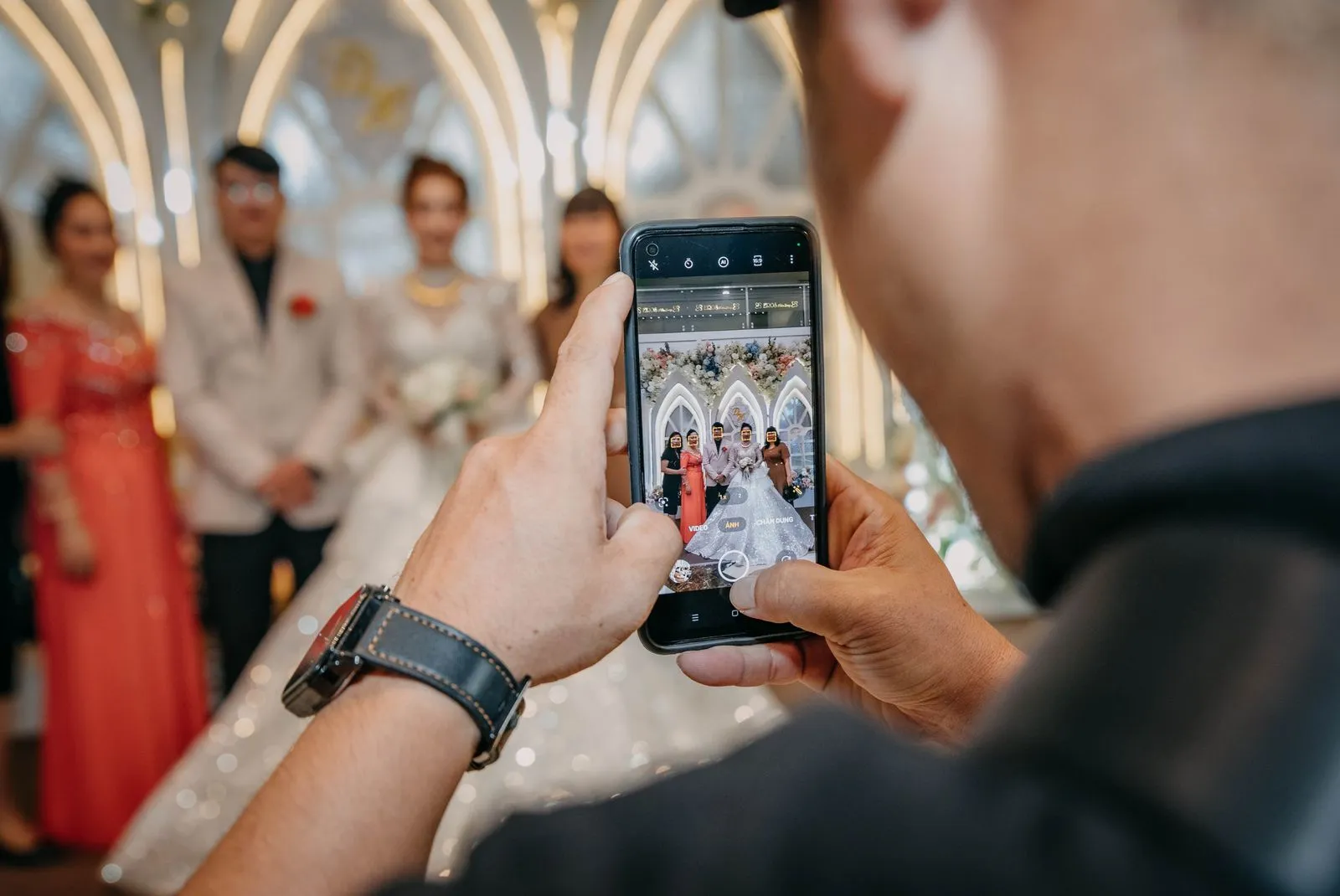
A Google Photos shared album for a wedding is the first thing most couples try, and for good reason: it is free, most people already have the app, and the album holds up to 20,000 photos. It also fails at weddings in four specific, predictable ways, none of which show up when you test it with your partner the week before. This guide lays out what breaks, why, how to make a shared album work if you decide to use one anyway, and which tools to use instead when it will not.
Every claim about Google Photos below comes from Google's own help pages, checked on 6 September 2026, and the page is listed in the Sources section at the end. We build EventPixel, a wedding photo sharing app, so we have an interest here. We say so where it matters and we name the cases where the shared album is the right call.
The short answer
A shared album works for a small wedding where nearly every guest already uses Google Photos on the phone in their pocket. It breaks for a typical wedding of 80 to 300 guests for four reasons: guests must sign in to a Google account to add anything, every photo a guest adds counts against that guest's own 15 GB, the quality you receive depends on each guest's backup setting rather than yours, and you have almost no control over what lands in the album or who sees the whole thing. A QR-based wedding photo app fixes all four, usually for free or a one-time fee under $70.
How a shared album actually works at a wedding
It helps to be precise about the mechanics, because most of the problems come from them.
- You create an album and share it by link. Google's help page says the link is "a URL that people can't guess on their own", and that "anyone that has the shared link will be able to view the album". You can also generate a QR code for the album straight from Google Photos, which is convenient for a table sign.
- Guests can add photos only if Collaborate is on. Google's wording: "If 'Collaborate' is turned on, anyone who has the link to your shared album can add photos." Turn it off and the album is view-only.
- Adding means joining. Google's sharing page describes what happens when someone "joins a shared album", and joining is an action on a Google account. In practice, a guest who opens the link and taps to add is asked to sign in. Viewing without an account works; contributing does not.
- Everything a guest adds is backed up from their account. Google's storage page is explicit that both Original quality and Storage saver backups "count toward your Google Account storage", and each account "comes with up to 15 GB of storage". The photos a guest adds to your album are their backups, counted against their quota, not yours.
Read those four points together and the wedding-scale failure modes fall out on their own.
What breaks, in the order you will notice it
1. The sign-in wall loses the guests you most want
At a wedding, the photos you cannot get any other way are on the phones of the relatives in their sixties and seventies, the ones who were at the family table while the photographer was at the dance floor. A meaningful share of them either do not have a Google account on that phone, do not remember the password, or use an iPhone with iCloud and have never opened Google Photos. Each of those guests opens your link, sees the album, taps to add, hits a sign-in screen and stops. You will never know they tried.
Younger guests get through, so the album fills with photos from the twenty people who would have sent them to you anyway. This is the pattern we see most often when couples switch to a QR app after a first event on a shared album: the photos were not missing, the people were.
2. Every guest pays for your album with their own storage
Google's 15 GB is shared across Gmail, Drive and Photos, and since 1 June 2021 even Storage saver backups count against it. A guest who has been on Gmail for a decade and never bought storage is often within a gigabyte of full. Google Photos will not let them back up new photos, which means it will not let them add to your album either, and the error they see is about their storage, not your wedding. They close it and move on.
You cannot fix this from your side. Buying a Google One plan yourself (100 GB is $1.99 a month in the US at the time of checking) expands your quota, not theirs. Paid plans can be shared with up to five others, which does not scale to a guest list.
3. The quality you get is whatever each guest's settings say
Google Photos backs up in one of two modes. "Original quality" keeps the file exactly as shot. "Storage saver" resizes photos larger than 16 MP down to 16 MP and videos above 1080p down to 1080p. That is a per-guest setting on their phone, chosen months ago for reasons unrelated to your wedding, and most people who are short on storage have it on.
Sixteen megapixels is not a disaster for a photo. It is a real loss for video: every 4K clip of the first dance arrives at 1080p, and there is no way to ask for the original after the fact because the original was never uploaded. Compare this with a dedicated app, where the upload page takes the file the guest selects and the quality is a property of your event rather than of two hundred separate phone settings.
4. You have almost no control over the album
A shared album is a collaborative space, and Google built the controls for a family, not for a public event.
- Anyone with the link sees everything and can add anything. With Collaborate on, there is no approval step. The blurry ones, the duplicates, the photo someone would rather not have in the album: all in, instantly, visible to all.
- Removing a guest does not stop them coming back. Google's own note: "If you share an album by link, you will need to turn link sharing off so people you remove can't rejoin." Turning link sharing off kills the link on every table sign.
- The link can be forwarded to anyone. It is unguessable, but nothing stops a guest sending it to someone who was not invited. Resetting the link is the only remedy, and it invalidates the printed QR codes.
- Stopping sharing removes guests' photos. When you stop sharing an album, Google says "comments and photos that other people added will be removed". Download first, always.
5. It is an album, not an event
This is less a bug than a category difference. A shared album has no live wall for the screen at the reception, no face search so a guest can find the photos they are in, no upload window that closes, no guest names on uploads, and no way to ask guests to say who they are. It is a very good album. A wedding needs a collection point.
What Google Photos gets right
Being fair matters, because on three points the shared album genuinely beats most paid apps.
- Permanence. Photos in your album sit in your Google account for as long as you keep the account. Most wedding apps store photos for six months to a few years, then delete or archive. If you never want to think about it again, Google's default is hard to beat.
- Album capacity. Up to 20,000 photos or videos per album, well beyond what any wedding produces.
- Zero learning curve for Google users. A guest who already lives in Google Photos will add photos in seconds, and their own copies stay organised in their library.
When a shared album is the right choice
Use it when all three are true: the wedding is small (call it under 40 guests), you know nearly everyone is an Android or Google Photos user, and you do not need a live wall, moderation or face search. A civil ceremony with close family, a rehearsal dinner, or the group of friends who took the hen or stag trip photos all fit. At that size the friction we describe above is a handful of people you can chase individually.
If you use it anyway: how to make it work
Plenty of couples will read all of this and still choose the album, because it is free and familiar. Fine. These steps recover most of the lost photos.
- Turn Collaborate on before you print anything. Open the album, tap Options, confirm Collaborate is on. Test it from a second account that is not yours.
- Use Google's own QR code for the album. Google Photos generates one. Put it on every table, not only at the entrance; our guide to collecting wedding photos from guests covers placement in detail.
- Tell guests, in words, that they need to sign in to a Google account to add. On the sign, in the group chat, and once from the microphone. Guests who know in advance are far less likely to give up at the prompt.
- Ask guests to back up in Original quality for the day. In Google Photos, Settings, then Backup, then Backup quality. Most will not do this. Ask anyway; the ones who shoot the most video are the ones who will.
- Offer an email fallback. Put an address on the sign for anyone who cannot sign in. It is clumsy, and it catches the relatives who matter.
- Download the whole album within a week. Google lets you download an album. Do it before anyone leaves the album, before you change sharing settings, and before someone's account is cleaned up. Then back that download up somewhere that is not Google.
- Never reset the link during the event. Every printed code dies with it.
What to use instead
The alternative is a QR code that opens an upload page in the guest's browser, with no account and no app. The guest picks photos, optionally types a name, and is done. Original files land in one gallery you control. Every tool below does that; they differ on price, storage and what happens after the wedding. Prices were verified on each vendor's site on 4 September 2026 and are one-time per event unless stated.
| Option | Guest needs an account | Original quality | Host control | Cost | Best for |
|---|---|---|---|---|---|
| Google Photos shared album | Yes, to add | Depends on each guest's backup setting | Collaborate on/off, link reset | Free (guest storage) | Small weddings where everyone uses Google Photos |
| EventPixel | No | Yes | Instant host delete, password, download control, lock at end | Free to $69 | Most weddings: QR upload, live wall, PixelFind face search, website. We build it. |
| WedUploader | No | Yes | Files land in your own Google Drive | Free, $39 unlock | Couples who want Google's permanence without Google's sign-in wall |
| Wedibox | No | Yes | Website, guestbook, slideshow | $29 to $79 | All-in-one with RSVP and seating |
| GuestPix | No | Yes | Slideshow, guestbook, upload window | From $49 (discounted) | Long storage windows |
One honest note on the table. If the thing you liked about Google Photos was that the files end up in a Google account you own forever, WedUploader is the closest match: guests upload from the browser with no account, and the files arrive in your Drive. It does not have a live wall or face search, which is where EventPixel and the others earn their fee. Our full ranking, with what each rival does better than we do, is in the 12 best wedding photo sharing apps.
Google Photos and a wedding app together
The pairing most couples land on is not either/or. Collect with a QR app during the wedding, because that is the part Google Photos does badly. Then download the original-quality zip and put it in a Google Photos album for keeps, because that is the part Google Photos does well. You get every guest's photos, at full quality, in one place, and a permanent home that costs nothing. Our guide to bulk-downloading guest photos covers the first half of that, and the digital wedding album guide the second.
Frequently asked questions
Can guests add photos to a Google Photos shared album without a Google account?
Not in our testing and not in Google's documentation. Anyone with the link can view the album. Adding photos requires joining the album, and joining is done from a Google account. If a guest has no account on the phone they are using, they can look but not contribute.
How many photos can a Google Photos shared album hold?
Google's help page states you can add up to 20,000 photos or videos to an album. That is not the constraint at a wedding; the sign-in requirement and each guest's storage quota are.
Do photos guests add count against my storage or theirs?
Theirs. Photos are backed up from the account that adds them, and Google's storage page says backups count toward that account's storage. A guest with a full 15 GB cannot add to your album, and buying more storage for yourself does not change that.
Will I get full-quality photos from a shared album?
Only from guests whose backup setting is Original quality. Guests on Storage saver upload photos resized to a maximum of 16 MP and videos at a maximum of 1080p, and there is no way to retrieve the original afterwards.
Can I stop a guest from adding to the album?
You can remove a person from the album, but Google notes that with link sharing on they can rejoin from the link. The only hard stop is turning link sharing off or Collaborate off, both of which affect every guest.
What happens to guests' photos if I stop sharing the album?
Google's help page says photos and comments other people added will be removed when you stop sharing. Download the full album before changing any sharing setting.
Is a Google Photos shared album private?
Private in the sense that the link cannot be guessed. Anyone holding the link can see every photo, and the link can be forwarded. Resetting it revokes the old one but also breaks any QR code you printed. Our guide to private photo sharing apps goes through this in more depth.
What is the free alternative to a Google Photos shared album for a wedding?
Two worth knowing. WedUploader's free plan collects unlimited original-quality photos into your own Google Drive with no guest sign-in. EventPixel's free plan includes a wedding website, QR code, live photo wall and 100 guest uploads, with paid tiers from $19 for larger weddings.
Sources
All Google Photos statements above were checked on 6 September 2026 against Google's own help centre: "Share photos & videos" (support.google.com/photos/answer/6131416), "How shared album controls give your photos more privacy" (answer/9789702), "Stop sharing an album & manage settings" (answer/6280921), "Create & edit photo albums" (answer/6128849, the 20,000-item limit) and "Choose the upload size of your photos & videos" (answer/6220791, the 15 GB quota and Storage saver limits). Google One pricing is from one.google.com/about/plans, US storefront. Wedding app prices were verified on each vendor's site on 4 September 2026 and are documented in our wedding photo app roundup.
The bottom line
A Google Photos shared album is the right tool for a small wedding full of Google users and the wrong tool for almost every other wedding, because it asks each guest to sign in, spend their own storage and upload at whatever quality their phone was set to months ago. If you use it, follow the checklist above and download everything within a week. If you would rather not lose the relatives' photos at the sign-in screen, use a QR-based wedding photo sharing app to collect and Google Photos to keep. Ours is free to start; if your priority is files landing in your own Drive, WedUploader is the honest alternative.







