Best Photo Sharing Apps for Photographers 2026, Ranked by Job
Photo sharing tools for photographers ranked by job: client galleries, file transfer, portfolios and event guest delivery. Verified 10 Sept 2026.


"Photo sharing app for photographers" hides three different jobs. Delivering a wedding to a couple who will proof, download and maybe order prints is one job. Sending 40 GB of RAW files to a retoucher is another. Getting every guest at an event their own photos before they leave the venue is a third, and no single tool does all three well.
So this guide ranks twelve tools by job rather than by star rating: client galleries, file transfer, portfolio platforms and event guest delivery. Every price and limit was checked against each platform's own pricing or help page on 10 September 2026; the Sources section at the end lists them, and where a platform publishes no number we say so. We build EventPixel, which only does the third job, and we say plainly below where it is the wrong choice. There is also a section for photographers searching for picdrop alternatives, because that search has a specific reason behind it. If you only want to share everyday photos with friends and family, our comparison of the best photo sharing apps covers the consumer side.
Every photo sharing tool for photographers compared (2026)
| Tool | Job | Free tier | Cheapest paid (billed annually) | Storage on that plan |
|---|---|---|---|---|
| Pixieset | Client galleries + store | 3 GB, unlimited galleries, 15% store commission | Basic $8/mo | 10 GB |
| Pic-Time | Client galleries + store | 10 GB, shrinks to 3 GB after 6 months | Beginner $7/mo | 20 GB |
| ShootProof | Client galleries + commission-free store | 100 photos | 1,500 photos $10.99/mo | Up to 75 GB |
| CloudSpot | Client galleries | 5 GB, 3 galleries | Entry $7/mo | 15 GB |
| picdrop | Fast delivery + proofing | 1 GB, 3 galleries | Pro €8.39/mo net | 500 GB |
| SmugMug | Portfolio site + galleries | None (14-day trial) | Direct $20/mo | Unlimited |
| Zenfolio | Website + galleries | None (trial, no card) | Basic $7/mo | 15 GB |
| Flickr | Portfolio + community | 1,000 items, 50 private | Pro $82/yr | Unlimited |
| Adobe Lightroom | Edit + share from the catalogue | None | Lightroom plan $11.99/mo | 1 TB |
| WeTransfer | One-off file transfer | 10 transfers or 3 GB per 30 days | Starter $6.99/mo | 300 GB per 30 days |
| Dropbox / Google Drive | Transfer + collection | 2 GB / 15 GB shared | Dropbox Plus $9.99/mo | 2 TB |
| EventPixel | Guest delivery at events | 100 uploads, event site, live wall | $19 one-time per event, or $99/yr Starter | Unlimited per event / 50,000 photos stored |
Read the table by job, not by price. A $7 client gallery and a $6.99 transfer plan are not competing; a photographer who delivers weddings usually needs one from the first group and one from the second. The event-delivery row is a different job again, and the section on it explains what it does and does not replace.
Best client gallery apps for photographers: proof, deliver, sell
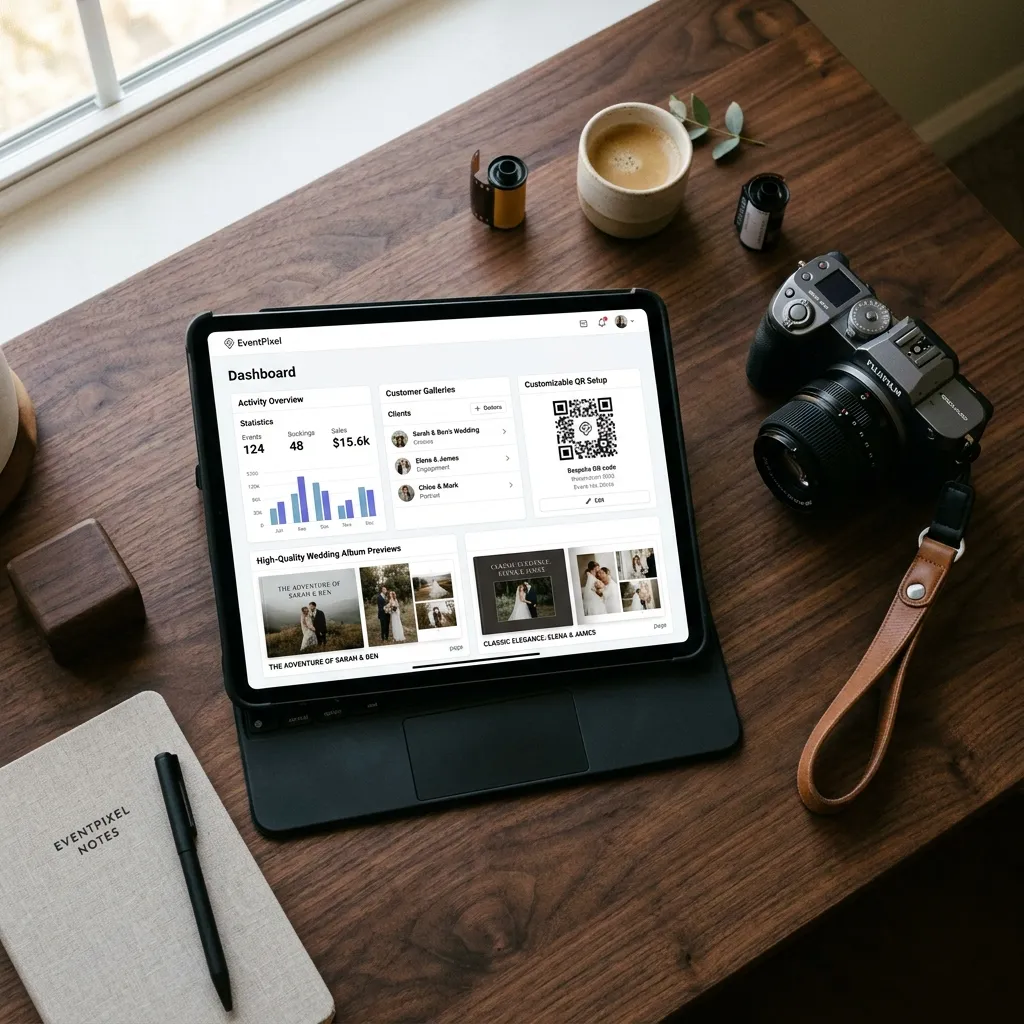
1. Pixieset — the free tier most photographers start on
Free gives 3 GB and unlimited galleries, with the catch that store sales on the free plan carry a 15% commission. Basic is $8 a month billed annually ($10 monthly) for 10 GB, 30 minutes of HD video, custom branding and domain, and commission-free sales; Plus is $16/$20 for 100 GB; Pro is $24/$30 for 1,000 GB and RAW uploads. Clients open a link and enter an email address and a four-digit download PIN, not an account. Verdict: the best starting point for delivery plus a modest print store; the free plan is genuinely usable for a few sessions.
2. Pic-Time — the biggest free tier, for six months
Pic-Time's free plan is the most generous at sign-up, 10 GB of photos and 1 GB of video with unlimited galleries, but the photo allowance drops to 3 GB after six months, so treat it as a long trial. Beginner is $7 a month billed annually ($8 monthly) for 20 GB, Professional $21/$25 for 100 GB plus 30 GB of video, Advanced $42/$50 for unlimited photos and 60 GB of video. Verdict: the strongest sales and automation features in this group; budget for Professional if video delivery matters.
3. ShootProof — commission-free sales on every plan
ShootProof counts photos rather than gigabytes: free holds 100 photos, then 1,500 photos for $10.99 a month billed annually ($12.99 monthly, up to 75 GB), 5,000 for $19.99/$21.99, 25,000 for $26.67/$31.99, and unlimited for $50/$60. Every plan is commission-free on sales, which is the reason to pick it over Pixieset if print revenue is real money for you. Verdict: the best choice for volume studios that sell; the 100-photo free tier is a demo, not a plan.
4. CloudSpot — the cheapest paid gallery
Free gives 5 GB and up to three galleries. Entry is $7 a month for 15 GB and 15 galleries (after a $3 introductory rate for three months), Lite $17 for 100 GB and unlimited galleries, Pro $34 for 500 GB, Unlimited $50. Verdict: the lowest cost of entry for a branded gallery; check the introductory price against the real one before comparing.
5. picdrop — fast delivery and proofing, priced in euros
picdrop is built around getting files to clients and agencies quickly, with proofing tools (colour markers, votes and likes, comments) rather than a print store. Free covers 1 GB and 3 galleries; Pro is €14.99 a month, or €8.39 a month billed annually, for 500 GB and unlimited galleries. Prices are quoted net of VAT, and the site lets you switch between EUR, USD and GBP. Verdict: the right tool for commercial and editorial delivery in Europe; see the picdrop alternatives section for when it is not.
6. SmugMug — unlimited storage, no free plan
Every SmugMug plan includes unlimited storage: Direct is $20 a month billed annually, Portfolio $23.50 adds print and digital sales with your own margins, Pro $37 adds multiple price lists. There is a 14-day trial and no free tier. Verdict: the best "never delete anything" archive with a portfolio site attached; expensive if all you need is delivery.
7. Zenfolio — website first, galleries second
Basic is $7 a month billed annually ($9 monthly) for 15 GB, Professional $11.50/$23 for 150 GB, Advanced $20/$40 for unlimited JPEGs and 150 GB of video. The trial needs no card. Verdict: pick it when you want the website and the galleries from one vendor; the storage per dollar is behind Pixieset and CloudSpot.
picdrop alternatives for photographers
Photographers search for picdrop alternatives for four recurring reasons, and each points at a different tool:
- The free tier is too small. picdrop's 1 GB and 3 galleries run out after one shoot. Pixieset gives 3 GB with unlimited galleries, CloudSpot 5 GB with three, Pic-Time 10 GB for the first six months.
- You want to sell prints. picdrop is delivery and proofing, not a store. Pixieset (commission-free from Basic), ShootProof (commission-free on every plan) and SmugMug Portfolio all add a storefront.
- You bill in dollars. picdrop's list prices are euro and net of VAT. Pixieset, CloudSpot, ShootProof and Pic-Time are priced in USD with tax handled at checkout.
- The job is a transfer, not a gallery. If a client only needs the files once, WeTransfer or a Dropbox file request costs nothing and needs no gallery at all.
What none of the alternatives replicate is picdrop's proofing workflow for agencies: markers, votes and comments on a fast, plain gallery. If that is why you use it, the alternatives are a downgrade for that job.
Best file transfer tools for photographers
8. WeTransfer — for the one-off delivery
Free allows up to 10 transfers or 3 GB in any rolling 30-day period, and free links expire after a few days. Starter is $6.99 a month for 10 transfers or 300 GB per 30 days; Ultimate is unlimited transfers up to 1 TB each with password protection, custom expiry and branded pages. Verdict: the fastest way to send an edited set to a client or a RAW batch to a retoucher; not a place to keep anything.
9. Dropbox and Google Drive — transfer plus collection
Dropbox Basic is 2 GB, and a file request lets anyone send you files without a Dropbox account, up to 2 GB per request on Basic, Plus and Family, 250 GB on Professional and above. Plus is $9.99 a month for 2 TB. Google Drive's free 15 GB is shared with Gmail and Google Photos. Verdict: Dropbox file requests are the best account-free way to collect images from a second shooter or a client; neither is a gallery anyone enjoys browsing.
Best portfolio and editing platforms that also share
10. Flickr — portfolio and community
Free accounts hold 1,000 photos or videos, only 50 of them private, with photo uploads up to 200 MB. Pro is $11 a month, $82 a year or $148 for two years, with unlimited full-resolution storage and Guest Passes that share private albums with people who have no account. Verdict: the best place to be seen by other photographers; a weak client-delivery tool. For how it stacks up against Google Photos, iCloud and WhatsApp as an everyday sharing app, see our photo sharing apps comparison.
11. Adobe Lightroom — share straight from the catalogue
The Lightroom plan is $11.99 a month with 1 TB of cloud storage and lets you share albums by link from the same catalogue you edit in; the Photography plan at $19.99 a month adds Lightroom Classic and Photoshop. Verdict: convenient for previews to a client mid-edit; not a branded gallery, and the storage is priced for your archive, not their downloads.
12. EventPixel — delivering photos to every guest, not just the client
Client galleries solve delivery to the person who hired you. They do nothing for the 150 guests who want the photo of themselves at the reception, and who otherwise end up asking the couple, or you, for months. That is the job EventPixel does, and it is the only one it does.
You upload from the dashboard on a laptop, in bulk, into a separate album (files up to 100 MB each), at original quality. Guests scan a QR code at the venue, open the gallery in their browser with no app and no account, and PixelFind face search (after a quick Google or email sign-in, so a guest can only search for their own face) lets each guest take one selfie and collect every photo they appear in; your photos and the guests' own uploads sit in the same gallery, and everything downloads as a ZIP. It also runs the venue's live photo wall during the event. The workflow is four steps: cull and edit as usual, upload the finished gallery into its own album, send the client one link or QR code to pass on to guests, and let each guest collect their own photos with a selfie. Tell the client how long the gallery stays live so guests download in time, and put "every guest can find their own photos" in the package description, because it is the line that gets asked about.
Honest scoping: EventPixel is photos only, has no proofing or print store, and is scoped to an event. It does not replace Pixieset or Pic-Time for the couple's gallery; it sits alongside them for the guests. Pricing is per event for hosts ($19, $39 with PixelFind for every guest, $69, one-time) and annual for professionals on the professionals page: Starter at $99 a year for 50,000 photos across unlimited events with PixelFind on every event, Pro at $199 for 150,000 photos plus custom watermarks and lead capture, Studio at $399 for 350,000 photos, three seats and white-label galleries. Verified photographers can apply for Pixel Pass, six months of Pro access free with 10,000 photos and PixelFind on every event, and the partner programme adds three free professional events and 20% commission on referrals. Verdict: the right tool for one specific job, guest delivery on the day, and an add-on to sell, not a gallery to migrate to.
How to choose: four questions
- Who is receiving the photos? One client who will proof and buy: Pixieset, Pic-Time or ShootProof. An agency that needs files and feedback fast: picdrop or WeTransfer. A room full of guests: EventPixel.
- Are you selling from the gallery? If yes, the commission rate matters more than the storage. Pixieset free takes 15%, its paid plans and every ShootProof plan take nothing.
- How long must it stay up? Transfers expire in days, Pic-Time's free storage shrinks at six months, galleries live as long as you pay. If clients come back a year later, budget for that year.
- Do recipients need an account? Pixieset uses an email and a download PIN, Dropbox file requests and EventPixel need nothing, Flickr needs a Guest Pass for private work. Every extra step costs you a percentage of recipients.
FAQ
What is the best free photo sharing platform for photographers?
For client delivery, Pixieset: 3 GB with unlimited galleries, branded enough to use with paying clients, and no card required. CloudSpot's 5 GB is larger but capped at three galleries, and Pic-Time's 10 GB shrinks to 3 GB after six months. For a portfolio, Flickr's 1,000 free items. For delivering photos to guests at an event, EventPixel's free plan covers an event site, 100 uploads and the live photo wall.
What is the best app for photographers to deliver photos to clients?
A client gallery, not a transfer link: Pixieset or Pic-Time for weddings and portraits, ShootProof if print sales are a real part of your income, picdrop for commercial and editorial clients who need proofing. Use WeTransfer or a Dropbox file request only when the client needs the files once and never again.
What are the best picdrop alternatives?
It depends on why you are leaving. For a bigger free tier: Pixieset (3 GB), CloudSpot (5 GB) or Pic-Time (10 GB for six months). For print sales: Pixieset, ShootProof or SmugMug. For USD billing: Pixieset, CloudSpot, ShootProof or Pic-Time. For a one-off transfer: WeTransfer. Nothing on the list matches picdrop's agency proofing tools exactly.
Do clients need an account to download from a photographer's gallery?
On Pixieset, no: clients enter an email address and a four-digit download PIN. Dropbox file requests and EventPixel's guest gallery need no sign-in at all. Flickr requires an account unless you issue a Guest Pass. Where a platform's pricing page does not say, assume an email address at minimum and test the download as a client before you send the link.
How do photographers share photos with wedding guests?
Traditionally through the couple, who forward a gallery link weeks later. The direct route is a QR code at the venue that opens a browser gallery for every guest with no app, where your photos and the guests' phone photos land together and each guest finds their own with a selfie. That is what EventPixel does; see our guide to sharing event photos without an app download.
WeTransfer or Dropbox for photographers?
WeTransfer for sending: free covers 10 transfers or 3 GB per 30 days, Starter $6.99 a month covers 300 GB. Dropbox for collecting: a file request lets anyone send you up to 2 GB per request on the free plan with no account, and Plus is $9.99 a month for 2 TB. Neither is a client gallery.
Sources
Every figure above came from the platform's own pages, checked on 10 September 2026: Pixieset (pixieset.com/pricing and the help centre articles on collection download settings and the client download experience), Pic-Time (pic-time.com/pricing), ShootProof (shootproof.com/pricing), CloudSpot (cloudspot.io/pricing), picdrop (picdrop.com/web/pricing), SmugMug (smugmug.com/plans), Zenfolio (zenfolio.com/pricing), Flickr (flickrhelp.com Pricing FAQ, upload requirements and free account limits), Adobe (adobe.com Lightroom plans page), WeTransfer (wetransfer.com help centre plan limits and free plan pages), Dropbox (help.dropbox.com/share/create-file-request and dropbox.com/plans), Google (support.google.com/googleone/answer/9004014) and our own pricing, professionals and help centre pages. Introductory and promotional prices are noted as such; where a platform shows only a monthly or only an annual figure, that is the one quoted.
Conclusion
Deliver to clients with a gallery: Pixieset to start, Pic-Time or ShootProof as sales grow, picdrop for agency proofing in Europe. Send files with WeTransfer, collect them with a Dropbox file request. Be seen on Flickr. And on the day of the event, give the guests their own photos with a tool built for that job.
Apply for Pixel Pass if you shoot weddings and events, or create a free EventPixel event and test the guest flow on your next shoot.
Related reads:







