Wedding Guest Photo Sharing Platform: The Complete Guide (2026)
How a wedding guest photo sharing platform works, why no-app QR upload matters for every guest, and what to look for to collect every photo.

What is a wedding guest photo sharing platform?
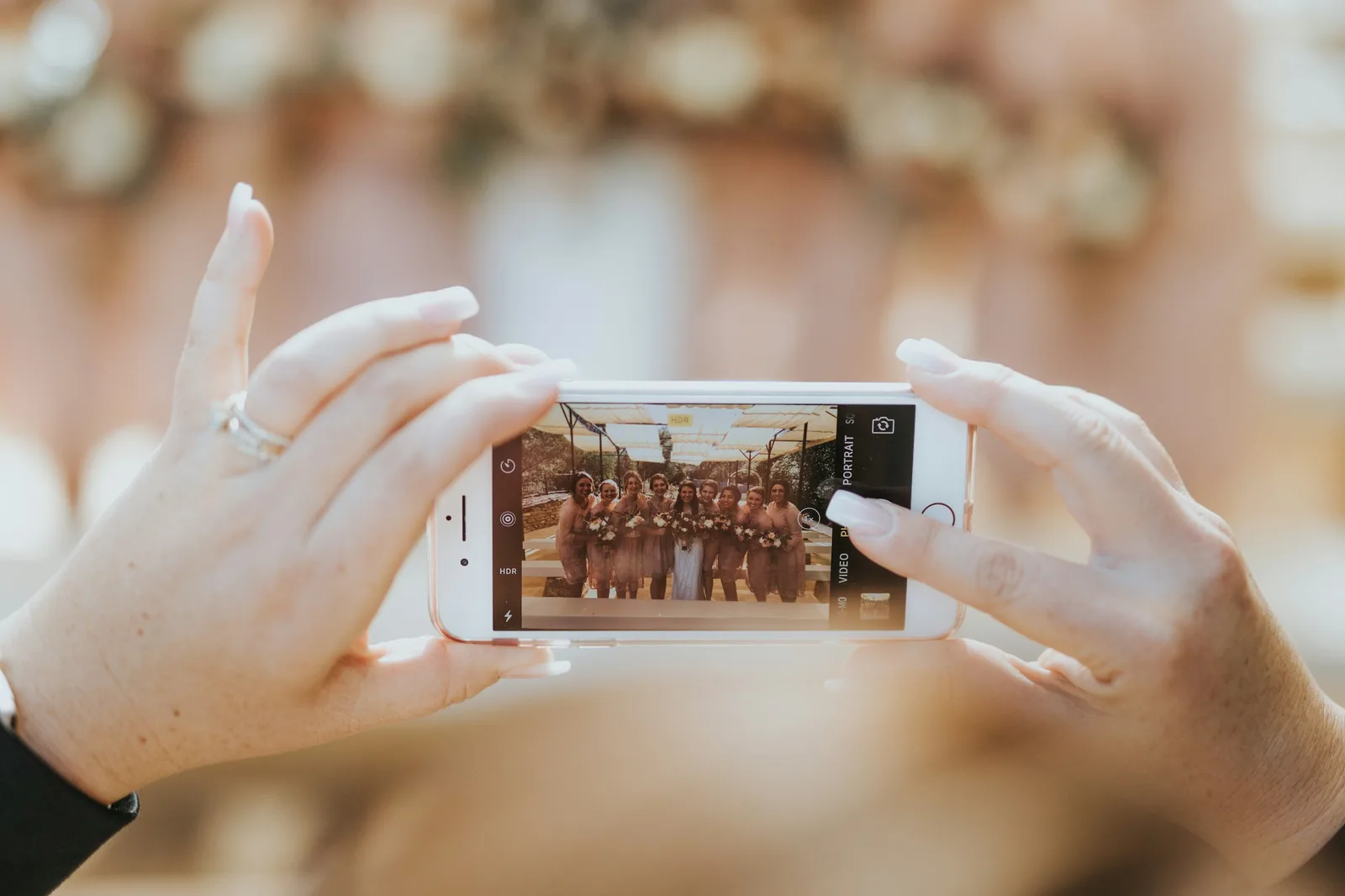
A wedding guest photo sharing platform is a tool that lets everyone at your wedding contribute their photos to one shared album — usually by scanning a QR code that opens an upload page in their phone's browser. No app to download, no account to create. Guests scan, upload, and browse; the couple gets every photo from every angle in one place.
It solves a problem every couple discovers too late: your photographer captures the official moments beautifully, but the candid ones — the laughter at table seven, the kids on the dance floor, your grandmother wiping a tear during the vows — are scattered across two hundred phones you'll never see. A guest photo sharing platform gathers all of it automatically.
This guide covers how these platforms work, why the no-app detail matters more than anything else, what to look for, and how to set one up for your wedding.
Why couples are moving away from WhatsApp and shared drives
For years the default options were a WhatsApp group or a shared Google Drive folder. Both quietly fail:
- WhatsApp compresses photos into low-resolution copies, buries them under hundreds of messages, and leaves you scrolling for weeks to save them one by one.
- Shared drives feel clinical and confusing, especially for older relatives, and most guests never bother to find the link, log in, and upload.
- Asking individually — "can you send me those photos?" — is a conversation you'll be having for months, and half the photos never arrive.
A dedicated platform removes all of that friction. One scan, full-resolution uploads, everything in one organised album you actually own.
How QR-code guest upload works
The whole experience is built around a single scan. Here's the flow from your guest's side:
1. They see the QR code. It's printed on table cards, a welcome sign, the menu, or displayed on a screen at the venue.
2. They scan it with their phone camera. Every modern iPhone and Android camera reads QR codes natively — no scanner app needed.
3. The album opens in their browser. They land directly on your wedding's upload-and-view page. Nothing to install, no sign-up.
4. They upload and browse. They add their photos and videos in full resolution and scroll the live gallery of everyone else's.

From your side as the couple, everything lands in one album you can tidy (delete any photo in seconds), download in bulk, and keep your own copy of. For a step-by-step setup, see our walkthrough on using a QR code for wedding pictures.
Why "no app" is the feature that decides everything
This is the detail couples underestimate, and it's the single biggest predictor of whether your guests actually participate. If a platform requires guests to download an app or create an account, most won't. They'll mean to, get distracted, and never do it.
It matters most for the guests whose photos you'll treasure later: your parents, aunts, uncles, and grandparents. A 70-year-old guest will happily point their camera at a QR code and tap a link. Ask them to find an app in the App Store, install it, create an account, and verify an email, and you've lost them entirely.
A browser-based, no-app platform means the experience is identical for every guest, on every phone, regardless of age or how comfortable they are with technology. That universality is what turns a handful of uploads into hundreds. Read more about why this matters in our guide to collecting photos from wedding guests.
What to look for in a wedding guest photo sharing platform
Use this as a checklist when comparing options:
- No app, no account for guests — the non-negotiable. Scan-and-upload in the browser.
- Full-resolution uploads — no compression, so the photos are worth keeping and printing.
- AI face search — guests find every photo they appear in from a selfie, instead of scrolling thousands of images.
- Host controls — delete any photo instantly, password-protect the site, and turn guest downloads on or off.
- Live gallery / photo wall — display the latest uploads on a screen at the reception.
- Bulk download — grab the entire album as a zip when the celebration ends.
- Multi-event support — one album per function for multi-day weddings (mehndi, sangeet, ceremony, reception).
- A free tier — so you can test the guest flow before committing.
Find yourself in seconds: AI face search
The feature that has changed wedding albums most recently is AI face search. With EventPixel's PixelFind, a guest takes a quick selfie and instantly sees every photo they appear in across the whole gallery — even if there are thousands of images from across the wedding.
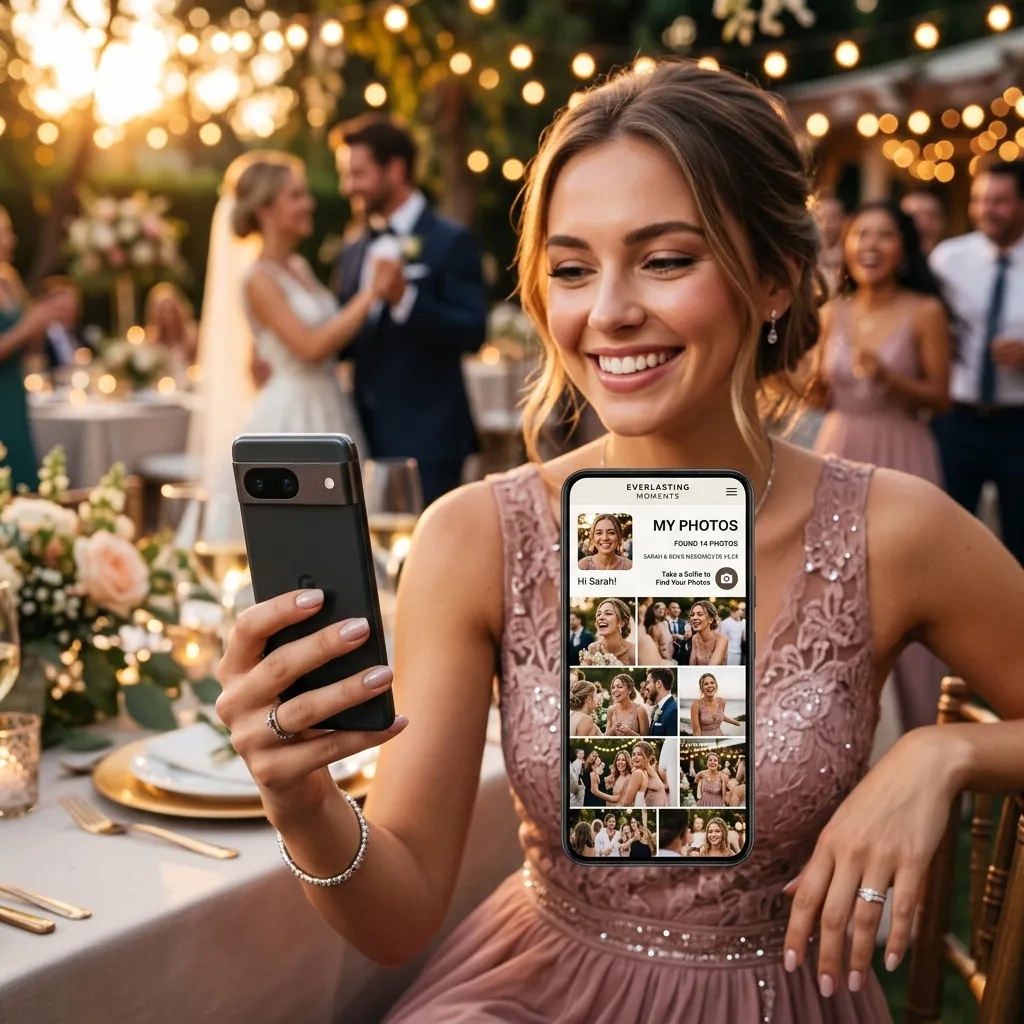
It's a small thing that makes an enormous difference. Instead of a gallery people open once and forget, you get one your guests genuinely use — finding and sharing their own photos for weeks after the wedding. You can read how the technology works in our guide to AI wedding face recognition, or see the full feature set on the features page.
Setting it up for your wedding
Getting a platform ready takes about fifteen minutes:
- Create your event and add the wedding name, date, and a welcome message guests see when they scan.
- Generate and download the QR code at high resolution (300 DPI or more) for printing.
- Put it everywhere guests dwell — table cards are the highest-converting placement, followed by a welcome sign and the photo-booth backdrop.
- Announce it — a 30-second mention from your MC does more than any printed card.
- After the wedding, download the full album and back it up.
EventPixel is built specifically for this, with a free tier to test the whole flow first. See the plans on the pricing page.
Frequently asked questions
Do wedding guests need to download an app?
With a good platform, no. EventPixel works entirely in the phone's browser — guests scan the QR code, and the album opens with nothing to install or sign up for. This is the key to getting guests of every age to participate.
Can guests view photos as well as upload them?
Yes. Guests can browse the live gallery of everyone's photos and upload their own. With AI face search, they can also instantly find just the photos they appear in.
What happens to the photos after the wedding?
They stay in your album for as long as your plan is active, and you can download the full album as a zip at any time. We recommend downloading and backing up everything within a week of the wedding.
Does it work for multi-day weddings?
Yes. Create a separate event for each function — mehndi, sangeet, ceremony, reception — each with its own QR code, and share them all from one link.
Is there a free wedding guest photo sharing platform?
EventPixel has a free tier you can use to test the full guest upload and gallery experience with no credit card required, then upgrade for higher photo limits and full AI face search.
The bottom line
A wedding guest photo sharing platform turns every guest into a photographer and gathers all of it into one album you'll actually keep. The feature that makes or breaks it is simple: no app, no account, just a QR code anyone can scan. Pair that with AI face search and you have a gallery your guests use for weeks — and every candid moment your photographer couldn't be everywhere to catch.
Create your free wedding album on EventPixel — no credit card required →
If you want the platform described here for one wedding at a one-time price, start with the wedding photo sharing app.







