Guest Photo Collection Without an App Download: Why It Works Better
The fastest way to lose guest photos is to make people download an app. Here's how no-app, QR-based collection gets far more uploads at any event.
Why no-app collection matters
The single biggest factor in how many photos you collect from guests isn't the venue, the event, or even the crowd — it's friction. Every extra step between a guest and uploading a photo loses people. And nothing loses them faster than "download our app."
App-based collection asks guests to find an app in the store, install it, create an account, and verify an email — all before they've shared a single photo. Most won't bother. No-app collection replaces all of that with one action: scan a QR code. This guide explains why that difference is so large and how to set up app-free collection for any event.
The cost of requiring an app
- Drop-off at every step — each tap between "I'd like to share" and "done" loses a chunk of guests.
- Older guests opt out entirely — the relatives whose photos you most want are the least likely to install an app.
- Storage and trust friction — guests hesitate to install an unfamiliar app and hand over permissions for a one-day event.
The result is a gallery with a fraction of the photos it could have had.
How no-app, QR-based collection works
A browser-based platform removes the install step completely:
- You generate a QR code tied to your event's album.
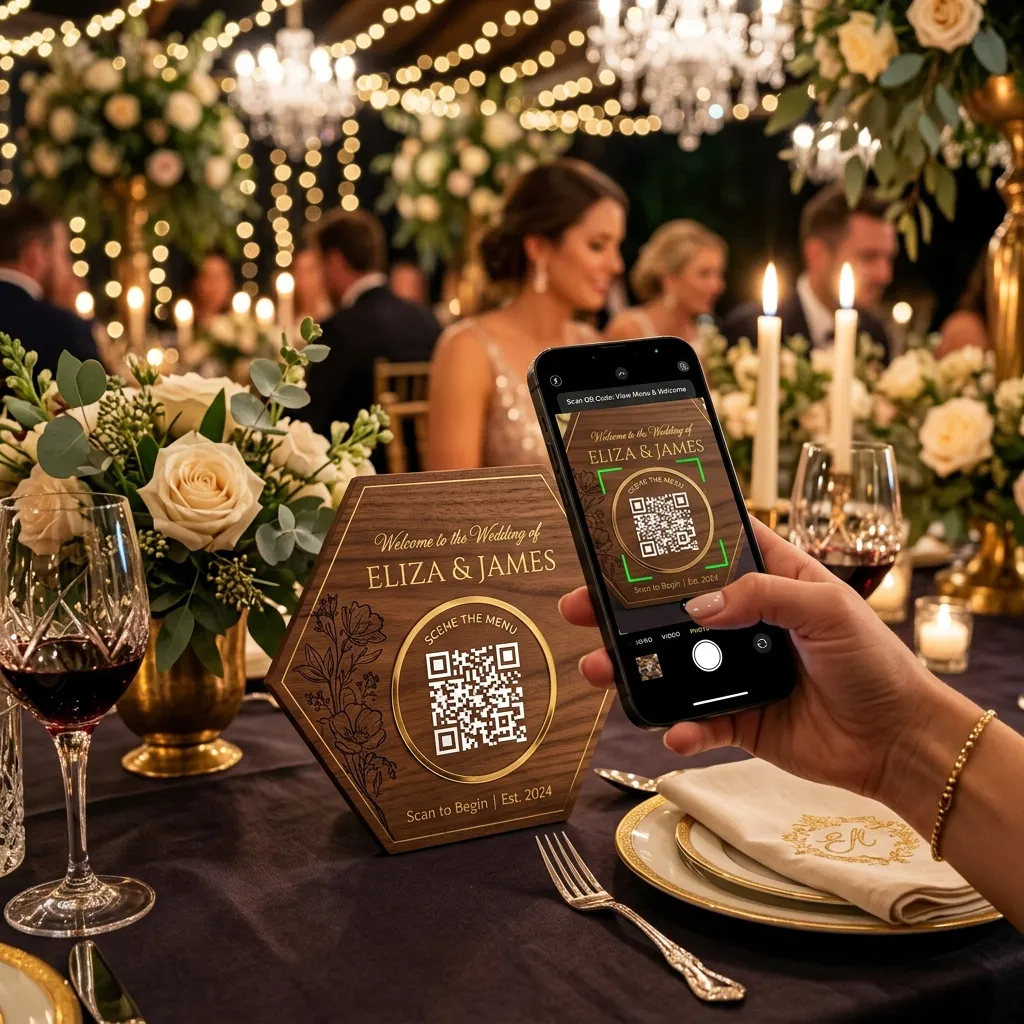
- Guests scan it with their phone's built-in camera — no scanner app needed.
- The upload page opens directly in their browser.
- They add photos and videos and browse the gallery, with nothing installed and no account created.
The experience is identical on every phone and for every guest, regardless of age or tech comfort — which is exactly why participation jumps. The same approach works beautifully for weddings, as covered in our wedding guest photo sharing platform guide and our walkthrough on collecting photos from wedding guests.
Getting more uploads
- Place the QR code where guests dwell — table cards convert best, followed by welcome signs and photo-booth backdrops.
- Announce it — a quick mention from the host does more than any printed sign.
- Add a one-line instruction next to the code for guests who've never scanned one.
- Keep uploads open for a while after the event so latecomers can still contribute.
Where no-app collection works best
The no-app approach pays off at any gathering, but especially where guests span a wide range of ages and devices:
- Weddings — with guests from teenagers to grandparents, a single scannable link is the only method that reaches everyone.
- Corporate events and conferences — attendees won't install an app for a one-day event, but they'll happily scan a code at their seat.
- Birthday parties and reunions — casual events where nobody wants setup friction.
- Community and school events — a broad, non-technical audience an app requirement would shut out.
App vs no-app, at a glance
An app-based tool asks for four steps before a single upload: find the app, install it, create an account, verify an email. A no-app tool asks for one: scan. Every step you remove keeps more guests in, which is why no-app collection routinely gathers several times more photos than app-based alternatives for the same event.
The takeaway is simple: match the tool to your least tech-savvy guest, not your most. If your grandmother can use it, everyone can.
Setting it up takes minutes
Getting app-free collection running is quick: create your event, generate the QR code, and download it at high resolution for print. Add it to signage, table cards, or a slide, and decide whether uploads publish instantly or wait for your approval. Test the flow once on your own phone — scan, upload, confirm it appears — and you're ready. The whole process takes about fifteen minutes, and from then on every guest is one scan away from contributing.
That low setup cost is part of the appeal: there's nothing for guests to install and very little for you to configure, so the platform stays out of the way of the event itself.
Frequently asked questions
Can guests really upload photos without an app?
Yes. With EventPixel, guests scan a QR code and upload directly in their phone's browser — no app and no account required.
Does it work on both iPhone and Android?
Yes. Every modern iPhone and Android camera scans QR codes natively, and the upload page works in any mobile browser.
Is no-app collection less secure?
No. You still control who can view and upload, can moderate photos before they go live, and can password-protect the album.
The bottom line
If you want guests to actually share their photos, remove every barrier between them and the upload button. No-app, QR-based collection does exactly that — one scan, and anyone at your event can contribute. It's the simplest change that makes the biggest difference to how many memories you keep.
Collect guest photos with no app required — start free on EventPixel →