How to Bulk Download Wedding Guest Photos (The Easy Way)
After the wedding, you want every guest photo in one place — not scattered across phones and chat apps. Here's how to bulk download the whole album in one click.
Why bulk downloading guest photos matters
Your guests captured hundreds of moments your photographer couldn't — the candid laughter, the dance floor, the quiet in-between moments. The problem comes after the wedding: those photos are scattered across dozens of phones, buried in chat apps, and slowly disappearing as people clear their camera rolls. If you don't gather them quickly, you lose them.
Bulk downloading is the answer. Instead of saving photos one by one or chasing relatives for months, you export the entire shared album at once and keep it forever. This guide shows how it works and how to do it without the usual headache.
The old way (and why it fails)
- WhatsApp groups — photos arrive compressed, out of order, and you save each one manually. By the time you're done, half are missing.
- Asking individually — "can you send me those?" is a conversation that drags on for months and never fully delivers.
- Mixed cloud folders — guests forget to upload, links expire, and nothing is organised.
None of these give you a clean, complete, full-resolution copy of your wedding. A dedicated photo sharing platform does.
How one-click bulk download works
When your guests upload to a shared album through a platform like EventPixel, every photo lands in one organised gallery at full resolution. Downloading the lot is then a single action:
1. Open your event dashboard after the wedding, once uploads have settled.
2. Select the album (or all your events, for a multi-day wedding).
3. Click bulk download. The platform packages every photo and video into a single zip file.
4. Save and back up the zip to your computer, an external drive, and a cloud backup.
That's it — the entire wedding, every angle, in one file. No manual saving, no compression, no missing photos.
Tips to make sure you get every photo
- Keep uploads open for a week or two after the wedding — guests often add photos days later.
- Send a reminder a few days afterward asking guests to upload anything they haven't.
- Download before your plan lapses if you're on a time-limited tier.
- Back up in two places — never rely on a single copy of irreplaceable photos.
To collect the photos in the first place, you'll want a QR-based album guests can upload to easily — see our guide to the wedding guest photo sharing platform and how a QR code for wedding pictures works.
What to do with your photos once they're downloaded
Bulk downloading is only step one. The reason to gather everything at full resolution is so you can actually use it — here's what to do next:
- Back up in three places — your computer, an external drive, and a cloud service. Irreplaceable photos deserve redundancy, and a single copy is one accident away from gone.
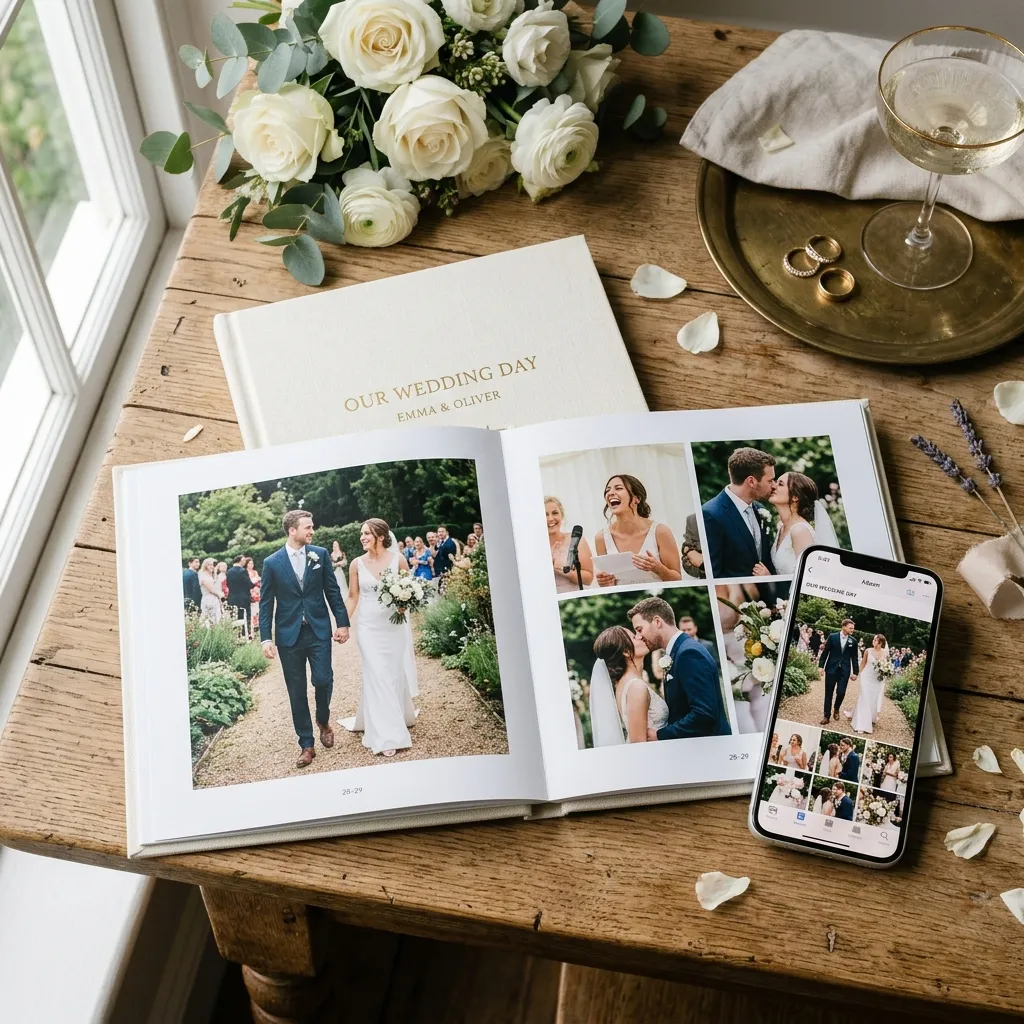
- Build the album you'll actually open — pull your favourites into a printed photo book while the day is fresh. Guest candids sit beautifully alongside the formal portraits.
- Share the gallery back with guests — send everyone the link so they can relive the day and save the shots they're in, not just the couple.
- Choose a few for the wall — the unscripted moments guests capture often make the best large prints.
None of this works with the compressed, half-missing copies a chat app leaves behind. Full-resolution bulk download is what turns a scatter of phone photos into a wedding archive you'll keep for decades.
A simple system for organising guest photos
A few thousand photos is wonderful and a little overwhelming. A light system keeps them usable:
- Do a quick first pass while you still remember the day — flag the obvious keepers and delete the obvious duplicates.
- Favourite as you go rather than sorting everything at once; the best shots surface naturally.
- Keep the events distinct for a multi-day wedding so mehndi, ceremony, and reception don't blur together.
- Set a reminder to revisit in a month — guests upload late, so a second download catches the stragglers.
Frequently asked questions
Can I download all my wedding guest photos at once?
Yes. With EventPixel you export the entire album as a single zip file from your dashboard — every guest upload in full resolution, in one click.
Are the downloaded photos full resolution?
Yes. Unlike chat apps that compress images, a proper photo platform stores and exports them at full resolution, so they're suitable for printing and albums.
How long do I have to download them?
Photos stay available while your plan is active. We recommend downloading and backing up within a week or two of the wedding.
Does bulk download include videos too?
Yes — the zip contains both photos and videos guests uploaded.
The bottom line
The photos your guests take are some of the most precious from your wedding, and they're also the easiest to lose. A platform that gathers them into one album and lets you bulk download everything at once means you never have to chase a single person — your whole wedding, saved in one file.
Collect and download every wedding photo with EventPixel — free to start →