Photographer Photo Delivery With Face Matching: A Guide for Pros
Face matching lets your clients find their own photos instantly — cutting your sorting time and making delivery feel premium. Here's how it works for photographers.
What is face-matching photo delivery?
For photographers, delivery is where a great shoot can still disappoint. You hand over a gallery of hundreds or thousands of images, and clients — and their guests — face the chore of hunting for the photos they're in. Face-matching delivery solves that: each person finds their own photos instantly from a selfie, turning one big gallery into a personalised experience for everyone.
This guide is for photographers who want delivery that saves them time and feels premium to clients.
Why it's worth adopting
- Less manual work — no separating galleries by person or fielding "which photos am I in?" requests.
- Happier clients — guests find themselves in seconds, which makes your delivery feel modern and high-end.
- More reach — when guests easily find and share their photos, your work gets seen by more potential clients.
- Faster turnaround perception — even a large gallery feels instantly navigable.
How it works in your workflow
1. Upload your edited gallery to the platform after culling and editing.
2. The system indexes faces across the gallery automatically.
3. Share one link or QR code with your client — who shares it with guests.
4. Each person finds their photos with a selfie, then views and downloads them.
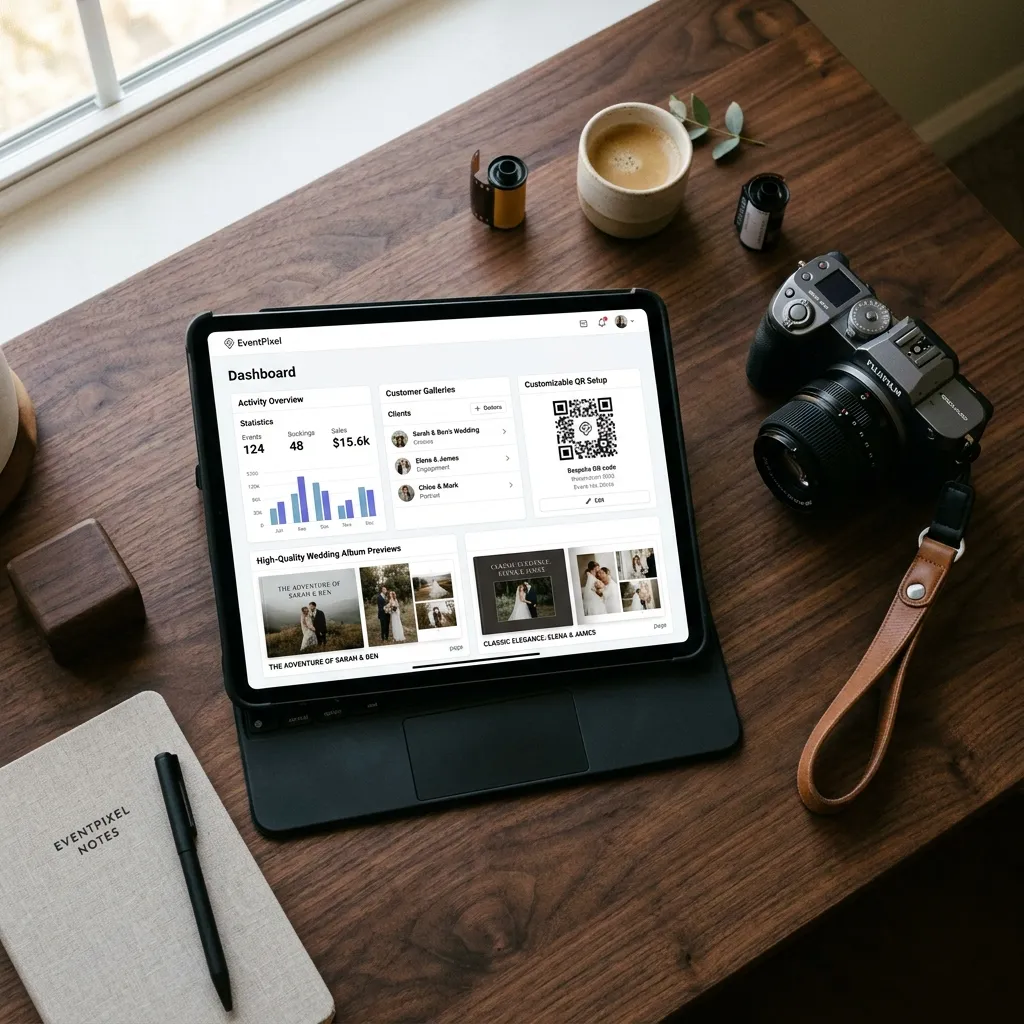
You can still brand the gallery, control downloads, and keep everything organised under your studio. EventPixel's MagicFind face search and its feature set are built for exactly this kind of delivery.
Where it fits alongside other tools
Face-matching delivery complements your existing kit rather than replacing it. Culling and editing tools speed up your work before delivery; a face-matching gallery handles the hand-off to clients and guests. For how the platforms in this space compare, see our roundup of the best AI event photo sharing platform tools.
Best practices for face-matching delivery
A few habits make face-matching delivery feel seamless for clients and effortless for you:
- Deliver edited, not raw — cull and edit first, then upload the finished gallery. Face matching is the hand-off layer, not a replacement for your craft.
- Brand the gallery — present it under your studio name so the premium experience reflects on you, not the platform.
- Set clear download permissions — decide whether guests get web-res or full-res, and whether prints run through your store.
- Give clients a simple share message — a short "scan, take a selfie, find your photos" line makes it effortless to pass on to guests.
- Communicate the gallery window — tell clients how long it stays live so they download in time.
Turning delivery into a selling point
Face-matching delivery isn't just an internal time-saver — it's something you can sell. Clients increasingly expect their guests to find photos easily, and a gallery where every attendee locates themselves in seconds feels markedly more premium than a shared folder. Put it in your packages: "every guest can find their own photos instantly" is a line that wins bookings. It also cuts post-delivery support — far fewer "which photos am I in?" emails, because the gallery answers that itself. And because guests share the photos they find, your work circulates to exactly the audience most likely to hire you next.
Is face-matching delivery right for your studio?
It fits best when you shoot events with lots of people — weddings, parties, conferences, sports days — where guests genuinely benefit from finding themselves. For purely solo or small-portrait work the payoff is smaller, though branded delivery still looks sharp. If your events regularly produce galleries in the hundreds or thousands of images, face matching will save you real time and noticeably lift how clients perceive your service. Try it on a single event first: deliver one gallery with face search enabled and see how clients respond before rolling it into every package.
Frequently asked questions
Does face matching replace my editing workflow?
No — it's the delivery layer. You still cull and edit as usual, then upload the finished gallery for face-matching delivery to clients and guests.
Can I brand the delivery gallery?
Yes. You can present the gallery under your studio's branding and control how clients view and download photos.
Do my clients' guests need an app?
No. With EventPixel, guests open the gallery from a link or QR code and use face search in the browser — nothing to install.
The bottom line
Face-matching delivery turns the weakest part of the photography workflow — the hand-off — into a strength. Clients and their guests find their photos instantly, your sorting time drops, and your work reaches more people. It's a small upgrade to how you deliver that pays off on every shoot.